 billable.dev
Zoho Invoice vs Wave: Which Free Invoicing Tool Fits?
By Mark Fulton · · 9 min read
Last verified:
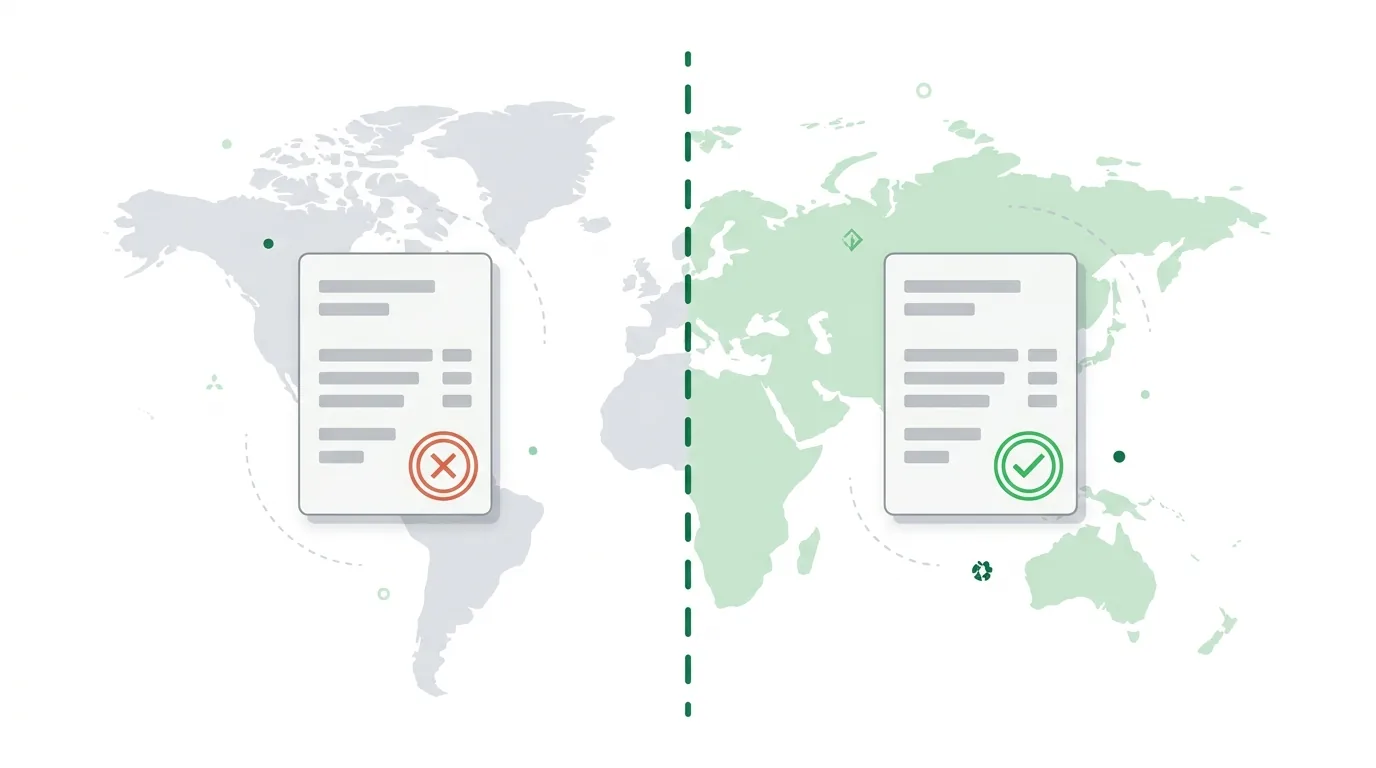
If you run a business in the United States or Canada, Wave is the simpler free choice: unlimited invoices, no monthly fee, and you pay only when a client pays online. If you are anywhere else, Wave's own partnership page says Zoho is its partner in your country, and Zoho Invoice is the free tool built for you, capped at 500 invoices a year and two users. The two tools make money differently. Wave earns on payment processing and its paid Pro plan. Zoho Invoice is free to feed its wider Zoho product line. That difference explains most of the table below.
Every limit and fee in this post was read from Zoho's or Wave's own pages on the day this was written. Where a page did not say something, I say so instead of guessing. Plans change, so confirm on the vendor page before you commit.
Who can use Wave, and who gets sent to Zoho?
This is the part the top-ranking comparisons skip. Wave's partnership page with Zoho states that Wave serves U.S. and Canadian businesses, and for other countries it describes Zoho as the trusted partner in your country. Sign up from outside the US and Canada and you are pointed at Zoho Books, Zoho's accounting product, with a 60-day trial through Wave. Wave's pricing page lists prices in USD and CAD only, and says Discover card processing is available to US customers only.
So the first question is not features. It is whether Wave will take you at all. If your business is registered in the US or Canada, both tools are open to you. If it is not, Wave is effectively off the table and the comparison is over before it starts.
Zoho Invoice is the opposite. Its pricing page offers regional editions for 18 countries (Australia, Bahrain, Canada, France, Germany, India, Kenya, Kuwait, Mexico, Nigeria, Oman, Qatar, Saudi Arabia, Singapore, South Africa, the UAE, the UK and the US), plus a Global site in English and French. Wave's page does not name the countries Zoho covers, so check that your country is on Zoho's list.
What are the limits on each free plan?
Here is the side-by-side, using only figures from the two vendors' pages.
| Wave Starter | Zoho Invoice (free) | |
|---|---|---|
| Who it is for | US and Canadian businesses | 18 regional editions plus a Global site |
| Monthly price | $0 | $0 |
| Invoices | Unlimited estimates, invoices, bills and bookkeeping records | Up to 500 a year |
| Users | Not the focus of the free plan; Starter's free roles are payroll manager or tax pro | Up to 2 users |
| Projects | Not listed | Up to 3 projects |
| Branding on invoices | Removed on paid plans only (branded templates are a Pro feature) | "Powered by Zoho Invoice" appears |
| Card fee | 2.9% + $0.60 (Amex 3.4% + $0.60) | Depends on the gateway you connect; not listed on the pricing page |
| Bank (ACH) fee | 1%, $1 minimum | Depends on the gateway; not listed |
| Paid upgrade | Pro at $19 a month or $190 a year | Not described on the page I read |
| Recurring invoices | Linked from Wave's pricing page; plan limits not stated there | Listed as a feature, no count or frequency cap stated |
A few things stand out. The 500 invoices a year cap sounds tight until you count it. A freelance developer sending one invoice a month to each of eight clients sends 96 a year. A developer on weekly milestone invoices to five clients sends about 260. You would need to run a small agency to hit 500.
The two-user cap matters more for agencies of two or three people. Wave's pricing page lists admin, editor and viewer roles under Pro, while its Starter plan lists only payroll manager and tax pro access as free roles. That is a real difference if a bookkeeper needs to log in, and Zoho's free plan handles it with its two seats.
One caution on third-party comparisons. A competing invoicing vendor's blog lists different Zoho free limits (one user, five clients, 1,000 invoices a year). Those numbers do not match Zoho's own pricing page, which says two users, three projects and 500 invoices a year. When blogs and the vendor page disagree, trust the vendor page, and check it again before you rely on it.
What do payment processing fees cost on each?
Both tools are free until money moves. Then the fee schedule decides which is cheaper.
Wave publishes its fees plainly on its payments pricing. On Starter, Visa and Mastercard cost 2.9% + $0.60 per transaction, Amex costs 3.4% + $0.60, and bank payments cost 1% with a $1 minimum. On Pro, the first ten card transactions each month drop the $0.60 fixed part, and bank payments stay at 1%.
On a $3,000 invoice, that works out to:
- Card on Wave Starter: 2.9% of $3,000 is $87, plus $0.60, so $87.60.
- Bank payment on Wave: 1% of $3,000 is $30.
Zoho Invoice does not process payments through the free plan's pricing page. The page I read lists no fee information and says only that customers can pay through gateway integrations. Zoho's own comparison page says the tool connects to third-party gateways such as Square, Stripe and PayPal, so your fee is whatever that gateway charges you. If you connect Stripe, you pay Stripe's published rate, which varies by country and payment method. I have not quoted a Zoho processing fee because the pages I fetched did not state one.
The practical takeaway: on Wave, you know the fee before you sign up. On Zoho, you choose the gateway, so you can shop for the lowest rate in your country, but you do the comparison yourself. For a large invoice paid by bank transfer, a gateway that caps its bank fee will beat a flat 1%. For a small invoice paid by card, the percentages are close and the fixed fee matters most.
Which handles multiple currencies better?
I cannot give you a clean answer from the vendors' pages, and I would rather say so than fill a table cell with a guess. Wave's pricing page lists USD and CAD pricing and does not describe multi-currency invoicing. Zoho's features page, which I read for this post, mentions invoices in 10+ languages but does not state how many currencies it supports or whether multi-currency is free.
What I can say from what the pages show is the shape of each tool. Wave is built around two countries and two currencies. Zoho is built around many regional editions and a Global site. If you invoice clients in a currency other than your home one, test it before you commit: create a draft invoice in the target currency in each tool, and check what the client sees and what rate your bank applies when the money lands.
If you bill clients in several currencies and want a no-account fallback while you decide, the billable invoice generator formats six currencies and keeps your data in the browser. For the money side of working across borders, see how to invoice international clients.
Which fits a freelance developer billing abroad?
Work through it in this order.
1. Where is your business registered? Outside the US and Canada, Wave is not an option, so pick Zoho Invoice and move on to configuring it.
2. Do you get paid by bank transfer or by card? If you are in the US or Canada and your clients pay by bank, Wave's 1% fee is easy to model and costs $30 on a $3,000 invoice. If you would rather connect a gateway with a lower bank-payment fee, Zoho lets you choose.
3. Do you need a second person logging in? Zoho's free plan allows two users. Wave's free Starter plan limits free roles to payroll manager and tax pro, and gives you admin, editor and viewer roles on Pro at $19 a month.
4. Do you want bookkeeping in the same app? Wave's Starter plan includes bookkeeping records alongside invoicing. Zoho sells accounting as a separate product, Zoho Books. If you only need invoices, that is fine. If you want your books in the same place for free, Wave's setup is simpler.
5. How much does a "Powered by" footer bother you? Zoho's free invoices carry "Powered by Zoho Invoice" branding. Wave's pricing page lists branded invoice templates as a Pro feature. Both free plans ask you to live with the vendor's mark.
For a freelance developer in the US or Canada billing a handful of clients, Wave is usually less setup. For a developer elsewhere, or anyone who wants to pick their own payment gateway, Zoho is the practical default. If neither fits, look at Invoice Ninja vs Wave for a self-hostable third option, or at FreshBooks alternatives for freelancers.
One more thing about invoicing tools in general: a polished tool does not fix a vague invoice. Whichever you pick, put the project, the dates and the hours or milestones on each line. What belongs on a software development invoice covers the line items clients actually read.
When is a free tool the wrong choice?
Free plans are fine until your needs outgrow the caps. Move off a free tool when you hit one of these: you need more than two people in the app, you are close to 500 invoices a year, you need bookkeeping and invoicing to talk to each other and the free plan does not do it, or you are paying more in processing fees than a paid plan would save you. At that point, compare the paid tiers on the vendors' pages, using real invoice amounts rather than the monthly sticker price.
If your need is just to produce a clean invoice and send it, you may not need either. A client-side generator creates the PDF, you attach it to your own email, and no account holds your client list. That is the trade the free invoice template for developers makes: less automation, no sign-up, nothing stored on a server.
FAQ
Is Zoho Invoice completely free?
According to Zoho's pricing page, the product is free for small businesses, with a cap of 500 invoices a year, two users and three projects, and "Powered by Zoho Invoice" branding on your invoices. Payment processing is not free: if you let clients pay online, the gateway you connect charges its own fees. The page I read did not describe a paid Zoho Invoice tier, so check Zoho's site for current options.
Why does Wave send some countries to Zoho?
Wave's partnership page says Wave serves U.S. and Canadian businesses and names Zoho as its trusted partner in other countries. Wave does not give a reason on that page. The practical result is that if your business is outside the US and Canada, Wave points you to Zoho's accounting product with a 60-day trial.
Can I bill in EUR with Wave?
Wave's pricing page shows prices in USD and CAD and does not describe multi-currency invoicing. I could not confirm EUR invoicing from the pages I read, and Wave's availability is limited to US and Canadian businesses regardless. If you need to bill in euros, test a draft invoice in the app before relying on it, or use a tool that formats the currency directly.
Which offers recurring invoices on the free plan?
Zoho lists recurring invoices as a feature on its Invoice features page and its pricing page does not attach a count or frequency limit to it. Wave links to a recurring billing page from its pricing page but does not state the plan limits there. Both appear to offer it; confirm the exact free-plan terms in each app before you build a retainer workflow around it. For how to structure retainer billing itself, see how to invoice retainer clients.
Fees and limits are general information from the vendors' own pages, not financial or tax advice. Check each vendor's current page before you decide.