 billable.dev
Wise vs PayPal for Freelancers: Fees Compared
By Mark Fulton · · 13 min read
Last verified:
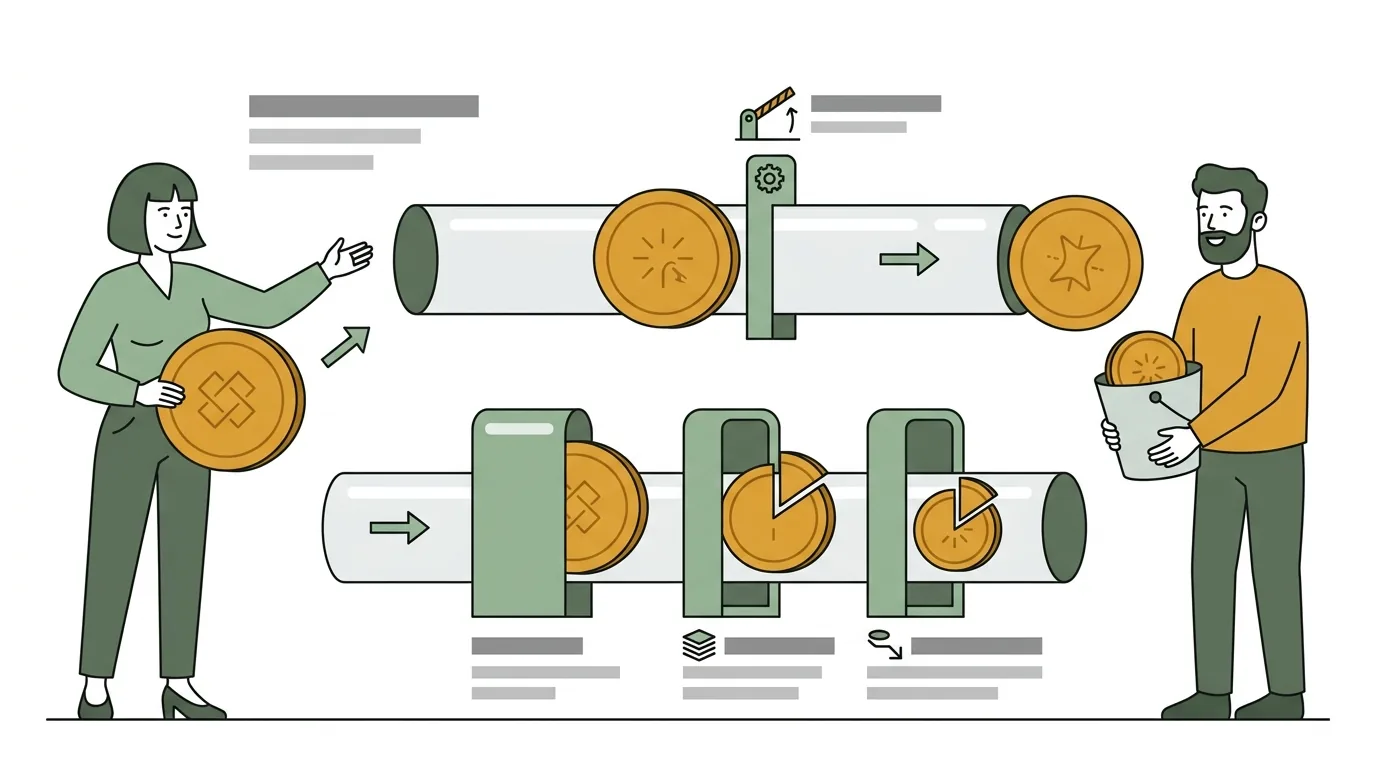
For a freelance developer getting paid across borders, Wise is almost always the cheaper rail and PayPal is almost always the more convenient one, and the gap is much larger than most people assume. PayPal's published US business pricing stacks a cross-border surcharge on top of the normal commercial rate and then charges a separate percentage on the currency conversion, so an overseas card payment that also needs converting can lose somewhere in the region of seven to eight percent before the money reaches your bank. Wise charges a small fixed fee to receive a wire, converts at the mid-market rate for a percentage that starts under half of one percent, and pays out to a local bank account. If your client will send a bank transfer, use Wise. Use PayPal when the client will only pay by card, when the amount is small enough that convenience beats cost, or when the relationship is new enough that the client wants a familiar checkout.
We build an invoice generator, not a payment processor. We do not get paid when you pick either of these, which is the only reason this comparison is worth reading. What follows is a worked example on one $5,000 invoice with the arithmetic shown, using fees read off each provider's own published pages in August 2026.
Everything here is general information for freelance and contract developers, not tax, legal, or financial advice. Published fee schedules change, sometimes quietly, and they differ by the country your account is registered in. Re-check the linked pages for your own region before you make a decision based on a number in this article.
What does each service actually charge freelancers?
The two providers charge for completely different things, which is why headline comparisons go wrong. PayPal charges a percentage of the transaction and makes most of its cross-border money on currency conversion. Wise charges a small fee on the conversion itself and passes through the rate.
Here is the structure, from PayPal's US merchant and business fee page, last updated 15 July 2026 at the time of writing:
- Standard credit and debit card payments: 2.99% plus a fixed fee, which is 0.49 USD for US dollar transactions.
- PayPal Checkout: 3.49% plus the same fixed fee.
- International transactions: an additional 1.50% on top of the applicable domestic rate. That is the number people miss. A standard card payment from abroad is 2.99% plus 1.50%, which is 4.49% plus 0.49 USD.
- Currency conversion: 3.00% above the base exchange rate for standard conversions, and 4.00% for conversions involving goods and services paid in a different currency.
- Withdrawal to your bank: no fee for a standard transfer where no currency conversion is involved. Instant transfer is 1.50% of the amount for business accounts. PayPal's consumer fee page lists instant transfer at 1.75% with a 25.00 USD cap on the personal side, so check which account type you are actually holding money in.
And from Wise's US pricing page:
- Receiving money: domestic payments in USD, EUR, GBP, AUD, CAD, NZD, SGD, PHP and HUF arrive free. Receiving a USD wire or SWIFT payment costs 6.11 USD per payment.
- Account details: activation is listed as free on the US pricing page. Some regions and some business accounts carry a one-time charge to open local account details, so confirm on the pricing page for your country.
- Converting: from 0.23%, varying by currency route, applied to the mid-market rate. Wise states plainly that it uses the mid-market rate, the one you can look up yourself, rather than adding a margin to it.
The important structural difference: PayPal's conversion cost is a markup baked into the rate you are given, so it does not appear as a line item you can point at. Wise's conversion cost is an explicit fee against a rate you can verify on any currency site. That transparency is worth something on its own when you are trying to reconcile what actually landed.
What does a $5,000 invoice net through each?
One invoice. $5,000 USD, billed by a developer to a client in another country, and the developer needs the money out in a different currency at the end. Three stages: receive, convert, withdraw.
Fees as of August 2026. Re-check both providers' current fee pages before relying on these figures.
| Stage | PayPal | Wise |
|---|---|---|
| Receive $5,000 | Cross-border card payment: 2.99% + 1.50% = 4.49%, plus $0.49 fixed. 4.49% × $5,000 = $224.50, + $0.49 = $224.99. Balance: $4,775.01 | Client sends a bank transfer to your USD account details. Domestic ACH: $0. International wire or SWIFT: $6.11. Using the wire case, balance: $4,993.89 |
| Convert to your currency | Goods and services in a different currency: 4.00%. 4.00% × $4,775.01 = $191.00. Balance: $4,584.01. (At the 3.00% standard-conversion rate it would be $143.25, leaving $4,631.76.) | From 0.23% on the mid-market rate. At 0.23%: $11.49, leaving $4,982.40. At a more conservative 0.60% for a less liquid route: $29.96, leaving $4,963.93 |
| Withdraw to bank | Standard transfer, no conversion remaining: $0. Instant transfer instead: 1.50% × $4,584.01 = $68.76 | Payout on a domestic rail in the same currency: $0 on the currencies listed above |
| Total cost | $415.99, or 8.32% of the invoice. At the 3.00% conversion rate, $368.24, or 7.36% | $17.60 to $36.07, or 0.35% to 0.72% |
| You keep | $4,584.01 | $4,963.93 to $4,982.40 |
The gap on this single invoice is roughly $380 to $398. Bill four of those a year and the difference is a decent laptop. Bill one a month and it is a mortgage payment.
Two honest caveats on that table. First, Wise's conversion fee of 0.23% is the published floor, not a promise for every currency pair, which is why the row shows a band rather than one number. Pull a live quote on your actual route before you plan around it. Second, the PayPal row assumes the client pays by card and the money needs converting. Take either of those away and PayPal's number drops sharply, which is exactly the point of the next section.
If the client pays you in USD and you keep the money in USD, PayPal costs $224.99 on this invoice, or 4.50%. Still five to ten times the Wise figure, but no longer catastrophic. Almost all of the damage is in the conversion step. That is the single most useful thing to know about the cheapest way to get paid internationally: the transfer fee is the number everyone compares, and the exchange margin is the number that actually takes your money. It is the same lesson covered in more depth in our guide to invoicing international clients.
When does PayPal still make sense?
Cheaper is not the only variable, and a payment method your client refuses to use costs you 100%.
When the client can only pay by card. Wise account details accept bank transfers, not card payments. If your client's process is a corporate card and a checkout page, PayPal handles that and Wise does not. Losing 4.5% beats losing the engagement.
When the invoice is small. Wise's $6.11 wire fee is a fixed cost. On a $200 invoice that is 3.06% before any conversion, which erodes the advantage. On small one-off jobs the difference between the two rails is often noise, and you should optimise for whichever gets you paid without a follow-up email.
When the client is unknown and you want them to move first. PayPal's checkout is familiar to almost everyone. A new client in a country you have never billed before will sometimes pay a PayPal link the same day and take three weeks to set up a new international beneficiary in their banking portal. Speed of collection has real value, especially against the terms discipline described in getting paid on time with net terms, deposits and late fees.
When your client's finance team has an approved vendor list and PayPal is on it. Fighting a procurement process to save 4% is not always a winning trade.
The reasonable position for most freelance developers is both. Wise as the default rail on your invoice, PayPal as the named fallback for clients who cannot or will not send a bank transfer, and a line in your terms saying which one you prefer.
How do you put Wise or PayPal details on an invoice?
This is where the decision becomes concrete, and it is simpler than people expect. Payment details belong in the notes or payment-instructions block of the invoice, stated once, completely, with no ambiguity about which currency you expect.
For Wise, give the local account details for the currency you are billing in, not your home-country details:
Payment by bank transfer, USD only.
Beneficiary: <Your legal name or business name>
Account number: <from your Wise USD account details>
Routing number (ACH/wire): <from Wise>
Bank name and address: <the partner bank Wise shows you>
Reference: Invoice <number>
All bank and intermediary transfer charges payable by the client.
For PayPal, give the email address tied to the account and be explicit about the payment type:
Payment by PayPal, USD.
PayPal email: <your business PayPal address>
Please send as a Goods and Services payment, not Friends and Family.
Reference: Invoice <number>
That last line matters more than it looks. Friends and Family payments avoid the commercial fee, and freelancers ask for them all the time, but they also carry no seller-side protection and they misrepresent a commercial transaction. Take the fee.
Three things that apply whichever rail you choose. Put the three-letter currency code next to every amount so "$5,000" cannot be read as four different things. Name who pays the transfer and intermediary charges, because silence means you pay them quietly. And put the invoice number in the reference field instruction, so reconciliation takes seconds instead of an email thread. The full field checklist lives in what belongs on a software development invoice, and if you are billing as an individual rather than a registered company, invoicing without a company covers what changes.
What are the dispute and chargeback trade-offs?
This is the part the fee tables leave out, and for service work it can matter more than the percentages.
PayPal's business fee page lists a chargeback fee of 20.00 USD for US dollar transactions, a standard dispute fee of 15.00 USD, and a high volume dispute fee of 30.00 USD, charged when a buyer files a dispute or chargeback against a transaction processed through their PayPal account or a PayPal checkout. So a client who disputes a $5,000 payment costs you the disputed amount while it is held, plus a fee, plus the hours.
The line that surprises most freelancers is on refunds. PayPal's fee page states that if you refund a commercial or invoicing transaction there is no fee to make the refund, but the fees you originally paid to receive the payment are not returned to you. Refund a $5,000 international card payment in full and you are out the $224.99 you already paid to receive it. Build that into your kill fee and cancellation terms rather than discovering it during a breakup.
Wise sits on the other side of this trade. A completed bank transfer is not chargeback-able in the way a card payment is, so the money is settled once it lands. That is protection for you and the absence of protection for your client, which is precisely why some clients prefer PayPal. If you are new to a client and they are nervous, the honest answer is a deposit and milestone billing rather than pretending a bank transfer carries buyer protection it does not.
Both providers operate under consumer protection rules for cross-border transfers in the US. The CFPB's guidance on sending money internationally sets out what a transfer provider must disclose about total cost and exchange rate before and after you pay, and the windows for reporting a problem. It is worth ten minutes if you have ever had a transfer arrive short and had no idea who to ask.
One more practical note on PayPal disputes: your evidence is your paper trail. Signed scope, accepted change orders, dated invoices with clear line items, and a delivery record. A generic "development services, $5,000" line item is a weak position in a dispute. The line-item discipline in how to invoice as a freelance developer is not just tidiness, it is the record you will be asked for.
Frequently asked questions
Which is faster to receive money?
PayPal is faster to receive and slower to be genuinely yours. A card payment lands in your PayPal balance in minutes, but new accounts and large or unusual transactions can trigger holds, and the standard transfer out to your bank still takes business days. Wise is slower at the front and faster at the back: the client's bank transfer takes as long as that corridor takes, often same day on domestic rails and one to two business days on a wire, but once it arrives the balance is settled and the payout to your local bank is quick. If your only concern is seeing money move today, PayPal wins. If your concern is having spendable funds in your own bank account by a known date, they are close.
Can clients pay a Wise account by card?
Not into your account details. The USD, EUR and GBP details Wise gives you are bank account details, and they accept bank transfers on local rails like ACH, SEPA and Faster Payments, plus international SWIFT wires. They are not a card acquiring product, so a client cannot punch a card number into a checkout and have it land there. If you need to accept cards, you need a card processor, and that is what PayPal or Stripe is for. Wise does offer payment request links in some regions, but the funding method available to your client depends on their country, so verify it before you promise a client they can pay by card.
Does PayPal's seller protection cover services?
Do not assume it does. PayPal Seller Protection is built around evidence of shipment and delivery, which is a natural fit for physical goods and an awkward one for a git repository and a deployment. Coverage for intangible items and services has varied over time and by region, and the eligibility and ineligible-item lists are the only authoritative answer. Read the current Seller Protection terms in PayPal's user agreement for your country before you price a job on the assumption you are covered. In practice, for development work, your real protection is a deposit up front, milestone payments, and a contract, not a platform policy.
What about Stripe instead of either?
Stripe is a genuine third option, and a good one if you are billing repeatedly or want cards without PayPal's checkout. It is a card processor with its own percentage plus fixed fee, a cross-border surcharge, and a currency conversion charge, so the shape of the cost is much closer to PayPal than to Wise. Where it wins is control: hosted invoices, subscriptions for retainers, and clean API access if you want to automate billing. Where it does not win is the conversion step, which is still a markup rather than a mid-market rate plus a stated fee. A common setup among developers billing internationally is Stripe or PayPal for card-paying clients, Wise for everyone else, and a single invoice template that can carry either set of details. Check Stripe's current pricing page for your country rather than any figure quoted in a blog post, this one included.
Put your details on the invoice and send it
Pick your rail, then make the instruction unmissable. Put the full payment details in the notes field, state the currency code beside the total, say who pays the transfer charges, and ask for the invoice number in the reference.
Generate this invoice free at Billable. It runs entirely in your browser, there is no account and no server, and your client data never leaves your machine. If you bill by the commit, the git log import turns your commit history into line items, which also happens to give you the delivery record you will want if a payment is ever disputed. Starting from scratch? Use the free invoice template for developers and paste your payment block into the notes once.