 billable.dev
Turn Your Git Log Into an Invoice
By Mark Fulton · · 5 min read
Last verified:
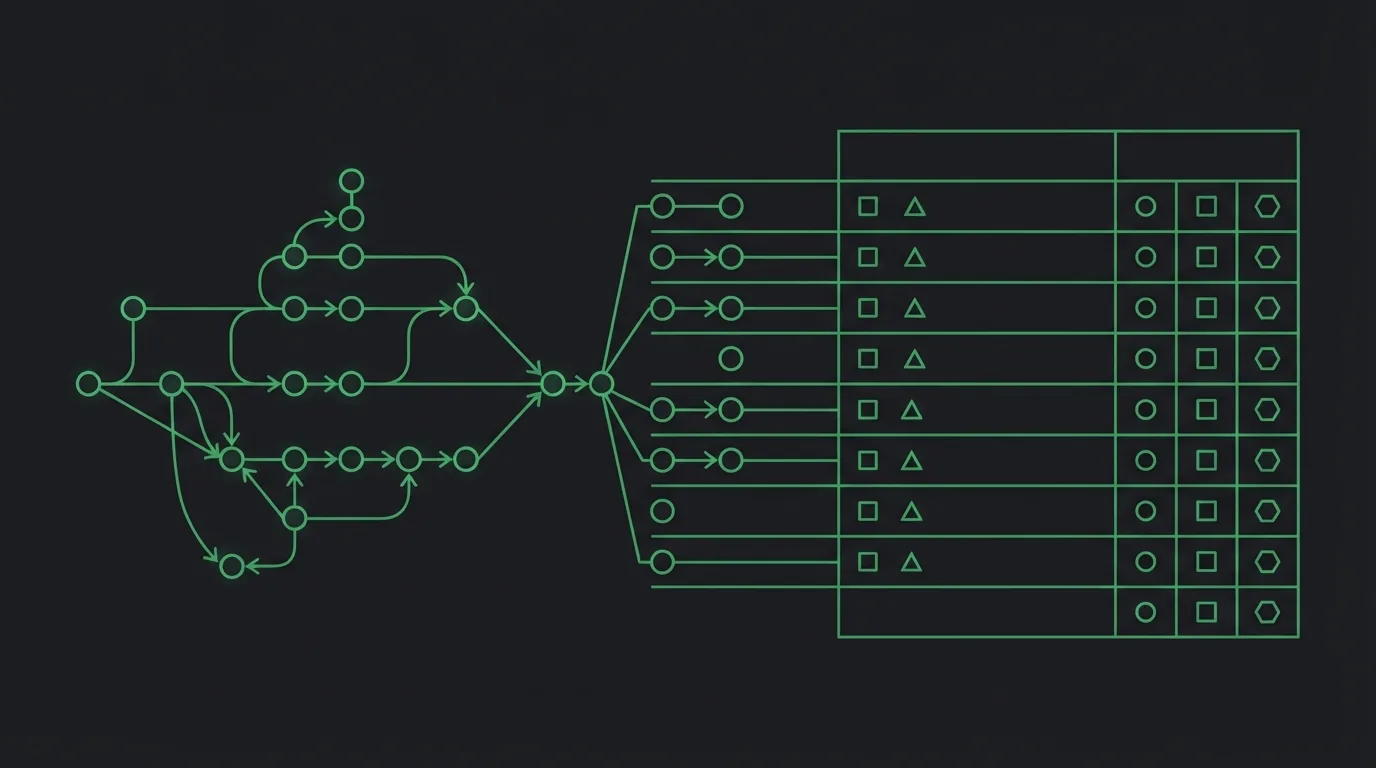
Every developer who bills hourly has faced the Friday reconstruction: staring at a blank timesheet trying to remember what Tuesday was. Meanwhile, sitting in the repo, there's a timestamped, self-described record of everything you actually did. Your git log is the timesheet you kept without meaning to. Here's how to turn it into invoice line items: the reasoning, the manual method, and the automated one.
Why commits make good line items
An hourly invoice's line items have to earn trust: the client is paying for time they didn't observe. Commit history is unusually good raw material for that because it's:
- Timestamped. Each commit records when it happened, which gives you honest day-by-day grouping for free.
- Self-describing. A decent commit subject ("fix auth redirect loop", "add webhook retry with backoff") is already a work description a client can read.
- Contemporaneous. It was written at the moment of the work, not reconstructed a week later. That makes it more accurate than memory and more defensible if an invoice is ever questioned.
The result reads like this on the invoice:
Development, Aug 5 (4 commits): fix auth redirect loop; add webhook retry; harden webhook signature check; deploy staging (4 hrs × $95)
Specific, verifiable, readable by a non-developer. Compare "Development, 16 hours" spread over a week, which reads like a shrug.
The honest caveat: commits are evidence, not hours
Get this straight before automating anything: commit count is not billable time. A one-commit day can be eight hard hours of debugging; a twelve-commit day can be two hours of tidy refactoring. Plenty of billable work never touches the repo at all: calls, code review, reading unfamiliar code, writing documentation, deployment fires.
So the workflow is always: commits produce the description and the day grouping, and then you assign the hours from judgment or your own time tracking. The git log drafts the invoice; it doesn't write the truth for you. Any tool that pretends otherwise is generating fiction with your name on it.
The manual method
If you want to do this by hand, two commands get you most of the way. For a client project spanning a date range:
git log --since="2026-08-01" --until="2026-08-08" --author="you@example.com" --oneline
groups nicely with a date-formatted variant:
git log --since="2026-08-01" --pretty=format:"%ad %s" --date=short --author="you@example.com"
Then: paste into an editor, group lines by date, compress each day's subjects into one description, assign hours per day, multiply by your rate. It works. It also takes twenty minutes of fiddly text-wrangling per invoice, which is exactly the kind of chore that gets postponed until invoices go out late. And late-sent invoices are self-inflicted late payments.
The automated method
This chore is why Billable has git log import as its signature feature. The flow:
- Run
git log(default format) orgit log --onelinefor the billing period, whatever you already have in your terminal. - Paste the output into the import dialog. The parser handles both formats, decorations like
(HEAD -> main), merge lines, and--graphgutters. - Billable groups commits by day and drafts one line item per day: "Development, Aug 5 (4 commits): …" with the subjects joined and sensibly truncated.
- You set the hours for each day (a suggestion is prefilled, capped at a workday) and your hourly rate.
- Add to invoice. Every generated item is a normal editable line item afterward: reword, merge, delete, reorder.
The parsing happens entirely in your browser, like everything else on the site. Your commit messages, which often contain project details clients and employers would consider confidential, are never uploaded, because there's nothing to upload them to. If you want the reference version of all this (formats handled, a worked example, and the importer FAQs), it lives on the git log to invoice page.
The flags worth knowing
| Flag | What it does | Why it matters for billing |
|---|---|---|
--author=you@ |
Only your commits | Essential on shared repos: don't bill a teammate's work |
--since / --until |
Bound the date range | Prevents the off-by-one overlap with last month's invoice |
--oneline |
Hash + subject only | Compact; the importer handles it |
--date=short |
ISO dates | Makes day grouping unambiguous across timezones |
--no-merges |
Skip merge commits | Merge subjects are noise in a client-facing description |
--pretty=format:"%ad %s" |
Date and subject only | The cleanest input for manual grouping |
--all |
Every branch | Use with care (includes work you may not be billing) |
A few practical tips that make the output better:
- Filter by author (
--author=you@) on shared repos so you're only billing your own commits. - Bound the range with
--since/--untilmatching the billing period exactly. It prevents the classic off-by-one-day overlap with last month's invoice. - Squash noise first. If your history is full of "wip" and "fix typo" commits, either clean them up before importing or just edit the generated descriptions. The client-facing wording matters more than parser fidelity.
It's a timesheet, too
Even if you bill fixed-price (where the invoice is one line per milestone and commit detail doesn't belong on it), the day-grouped view has a second use: it's a private timesheet. Importing a project's log and eyeballing the day groups answers "how long did this actually take me?" with real data. That number feeds your next fixed-price quote, which is where most freelancers systematically undercharge: they estimate from optimism instead of from their own history.
The same audit works on side projects: import the log and find out what your evenings actually added up to. And if those evenings produced something shippable, get it in front of real people: trymy.app is a showcase built for exactly that.
Better commit messages, better invoices
A pleasant side effect of invoicing from your log: it nudges your commit hygiene in exactly the direction every style guide already wanted. Subjects written in imperative mood, describing one change, comprehensible outside your own head. Those read perfectly on an invoice. asdfasdf fix does not. Write commits your client could read, and once a month, they will.
The full anatomy of the invoice around those line items (numbering, dates, tax, terms) is covered in what belongs on a software development invoice. Or skip the reading: open the generator, paste a log, and see your week turn into an invoice in about thirty seconds.