 billable.dev
Statement of Work for Freelance Devs: A Working Guide
By Mark Fulton · · 12 min read
Last verified:
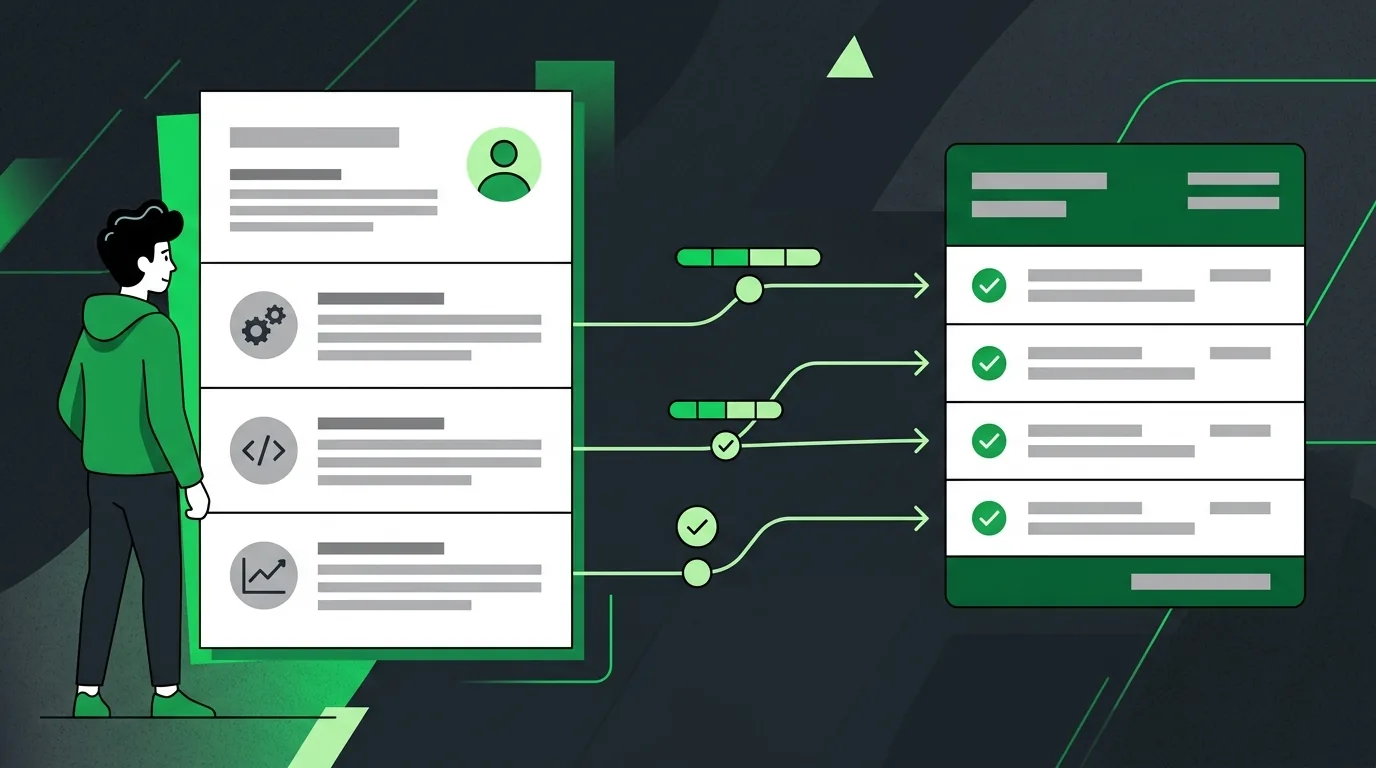
A freelance statement of work is the document that says exactly what you are building, what you are not building, when each piece is done, and what the client owes when it is. Your master agreement handles the lawyer things once: ownership, liability, confidentiality, termination. The SOW handles the project things, and you write a new one for every engagement. The section that decides whether the project goes well is the payment schedule, because every payment trigger you write there becomes an invoice line you send later. If a trigger is arguable, the invoice is arguable. Write the SOW so that each payment event is something the client can verify by opening a URL.
Most SOW advice is written for procurement departments buying a twelve month services engagement. What follows is written for one developer and one client, with a full illustrative SOW quoted section by section so you can see the actual sentences rather than a bulleted list of things the sentences should contain.
The example throughout is a fictional project used purely for illustration: rebuilding a marketing site on Next.js for a company called Northline. The figures are made up to show the mechanics.
What does an SOW do that a contract doesn't?
The master agreement and the SOW answer different questions, and mixing them is what makes both documents worse.
The master agreement answers "how do we work together at all". Who owns the code once it is paid for. What happens if the client is sued because of something you shipped. What notice either side gives to walk away. Confidentiality. Which state's law applies. You negotiate that once, painfully, and then reuse it for years.
The SOW answers "what are we doing this time". Five screens or nine. Two revision rounds or unlimited. Live by March 14 or whenever. Paid in four chunks or one. That changes every project, sometimes every month, and it should live in a document you can rewrite without going back to a lawyer.
Both are contract documents. Under general US contract principles, what makes an agreement enforceable is mutual assent, consideration, capacity and legality, as the Cornell Legal Information Institute's overview of contract law sets out. Formality is not on that list. Your SOW does not become binding because it looks like a legal document. It becomes binding because both of you agreed to it and something of value is being exchanged.
The practical mechanism is a single sentence at the top of the SOW that ties it back to the master agreement:
This Statement of Work ("SOW") is entered into under, and incorporates by reference, the Master Services Agreement between Northline Systems Inc. ("Client") and [Your Company] ("Contractor") dated 3 February 2026. In the event of conflict between this SOW and the MSA, the MSA controls except as to scope, schedule and fees, where this SOW controls.
That last clause matters. Without it, a client's procurement team will eventually argue that a payment term buried in the MSA overrides the payment schedule you both spent an hour agreeing on.
What sections does a dev SOW need?
Eight, and no more than that unless the client's legal team insists.
- Parties and reference. Who, and which master agreement this sits under.
- Background and objective. Two or three sentences on why the project exists, in the client's words.
- Deliverables. The numbered list of things that will exist when you are done.
- Out of scope. The numbered list of things that will not.
- Assumptions and dependencies. What has to be true for the schedule to hold.
- Acceptance. How a deliverable goes from "sent" to "accepted", and what happens if nobody replies.
- Schedule and payment. Dates, triggers, amounts, terms.
- Signatures. Both, with dates.
Government buyers arrived at a similar structure for a similar reason. Federal acquisition rules direct agencies to describe what they need in terms of functions to be performed and performance required rather than dictating how the contractor should work, a principle set out in FAR Part 11 on describing agency needs. The same discipline protects a freelancer. Describe the result, not the method, and you keep control of how you build while the client keeps a clear definition of what they are buying.
Here is the objective section for the example project:
2. Background and objective. Client's current marketing site runs on a hosted page builder and takes roughly two days of vendor time to publish a new landing page. Contractor will rebuild the public marketing site on Next.js with content managed in the client's existing CMS, so that Client's own marketing team can publish a new page without developer involvement.
That paragraph does more work than it looks like. It states the outcome the client is buying, which means later, when someone asks for a customer login area, you have a written objective to point at.
How specific should deliverables be?
Specific enough that a stranger could check them off without asking either of you a question.
The failure mode is the category noun. "Homepage" is a category. "Responsive homepage" is a category with an adjective. Neither tells you whether the animated hero the client pictured is included.
Count things. Name things. Give each one a number you can quote in an email six weeks later.
3. Deliverables.
D1. Design system. Tailwind theme covering color, type scale, spacing and six component styles (button, card, form field, nav, footer, callout), delivered as a Figma page plus the implemented Tailwind config.
D2. Page templates (7). Home, Product, Pricing, About, Contact, Blog index, Blog post. Each template responsive at 360px, 768px and 1280px breakpoints.
D3. CMS integration. Blog index and Blog post templates read from Client's existing Contentful space. Field mapping documented in a README in the repository.
D4. Content migration (24 pages). The 24 URLs listed in Appendix A, migrated with 301 redirects from the existing URL structure.
D5. Production deployment. Site live on Client's domain via Vercel, under Client's own Vercel account, with preview deployments enabled on pull requests.
D6. Handover. Repository transferred to Client's GitHub organization, environment variables documented, one 60 minute recorded walkthrough for Client's marketing team.
Seven templates, not "the pages". Twenty four migrated URLs listed in an appendix, not "existing content". Three breakpoints with pixel values, not "mobile friendly". Every one of those numbers is a boundary, and every boundary is a place a change order can attach cleanly instead of a place an argument starts. If you have not read it yet, how to handle scope creep with change orders covers what happens when the client wants an eighth template.
Revision rounds belong here too, expressed as a count and a definition:
3.7 Revisions. Each deliverable includes two rounds of revision. A round is a single consolidated set of written feedback from Client, delivered within the acceptance window. Feedback arriving in separate messages after a round has been actioned constitutes a new round. Rounds beyond the second are billed at Contractor's hourly rate of $145.
How do you write the exclusions list?
You write down every reasonable thing the client might assume is included, then say it is not.
This feels adversarial the first time. It is the opposite. An exclusions list is a set of questions asked early, in writing, while everyone is friendly, instead of late, in a meeting, when one of you is wrong about several thousand dollars.
Build it from three sources. First, everything adjacent to your deliverables that a non technical buyer would assume comes along with them. Second, anything in the client's own brief that you decided not to quote. Third, every unpleasant surprise from your last three projects.
4. Out of scope. The following are not included and will be quoted separately if required:
4.1 Copywriting, editing or translation of any content. Client supplies final copy. 4.2 Photography, illustration, video or licensed stock assets. 4.3 Any authenticated or logged in area, customer account, or e-commerce checkout. 4.4 Email template design or marketing automation configuration. 4.5 SEO audit, keyword research, or content strategy beyond implementing the redirects in D4. 4.6 Accessibility remediation beyond WCAG 2.2 AA on the seven templates in D2. 4.7 Ongoing maintenance, monitoring or support after the defect window in section 6.3. 4.8 Migration of any URL not listed in Appendix A. 4.9 Third party subscription costs (Vercel, Contentful, domain, fonts), which remain Client's.
Read 4.9 again. Subscription cost surprises are one of the most common ways a fixed price project quietly loses money, and one line prevents it.
How does the SOW map to your invoices?
This is where the SOW stops being paperwork and starts being cash flow. Write the payment section so that every amount you will ever invoice already exists in it, with a trigger, a number and a due date.
7. Schedule and payment.
7.1 Total fee. $18,400, fixed price, exclusive of any applicable sales tax or VAT.
7.2 Payment schedule. Payable in four installments against the triggers below:
# Trigger Verification Amount Target date 1 SOW signed by both parties Countersigned PDF $4,600 (25%) On signature 2 D1 and D2 accepted Preview URL, all 7 templates, 3 breakpoints $5,520 (30%) 20 March 2026 3 D3 and D4 accepted on staging Staging URL, 24 URLs resolving, redirects verified $5,520 (30%) 10 April 2026 4 D5 and D6 complete, defect window closed Live domain, repo transferred, walkthrough delivered $2,760 (15%) 8 May 2026 7.3 Invoicing and terms. Contractor invoices within two business days of each trigger. Payment is due net 14 from invoice date. Installment 1 is due on signature and work does not commence until it is received.
7.4 Acceptance window. Client has five business days from delivery of a deliverable to accept it or provide written revision feedback. If neither is received within five business days, the deliverable is deemed accepted and the associated installment becomes invoiceable.
7.5 Client delay. If Client's dependencies under section 5 are outstanding for more than ten business days, Contractor may invoice for work completed to date at the hourly rate in 3.7 and reschedule remaining work subject to availability.
7.6 Late payment. Amounts unpaid after the due date accrue interest at 1.5% per month or the maximum permitted by applicable law, whichever is lower.
Sections 7.4 and 7.5 are the two clauses freelancers most often leave out and most often need. A deemed acceptance window is what stops a finished milestone from sitting unpaid because the client's stakeholder went on holiday. A delay clause is what stops a two week wait for CMS credentials from turning into a two week hole in your revenue.
The payoff is that invoicing becomes transcription. Each SOW section already contains the line items:
| SOW section | Becomes this invoice line | When |
|---|---|---|
| 7.2 trigger 1 | "Project commencement, 25% of fixed fee per SOW section 7.2" | On signature |
| D1 + D2 (7.2 trigger 2) | "Design system and 7 page templates, accepted 19 Mar 2026" | On acceptance |
| D3 + D4 (7.2 trigger 3) | "CMS integration and migration of 24 pages, accepted on staging" | On acceptance |
| D5 + D6 (7.2 trigger 4) | "Production deployment, handover and close of defect window" | On close |
| 3.7 extra revision round | "Additional revision round, D2 Pricing template, 3.5 hrs @ $145" | Next invoice |
| 4.x change order | "Change order CO-01: eighth page template (Careers), per CO dated 2 Apr" | Per the CO |
| 7.6 | "Interest on invoice 2026-014, 22 days overdue" | When it applies |
Every line references the SOW clause it came from. That single habit removes most invoice disputes before they happen, because the client is not being asked to agree to a new number, only to recognize one they already signed. There is more on line item wording in what belongs on a software development invoice, and on structuring the triggers themselves in milestone billing for developers.
Each of those four payment triggers is one invoice. You can generate all four in the browser at Billable without an account, and the data never leaves your machine. If you are sending your first one, how to invoice as a freelance developer walks through the fields.
Frequently asked questions
Is an SOW legally binding?
Generally yes, if it meets the ordinary requirements for a contract. Mutual assent, consideration, capacity and legality are the elements described in the Cornell LII contract overview, and a signed SOW that describes work in exchange for money normally satisfies them. Two practical notes. First, an SOW that incorporates a master agreement by reference is read together with it, so a term you never noticed in the MSA can still bind you. Second, some agreements have to be in writing to be enforceable at all under the statute of frauds, which in most states covers agreements that cannot be performed within one year. A long engagement is a good reason to make sure the signature is real and not an "approved, go ahead" in a chat thread.
SOW vs proposal: what's the difference?
A proposal sells. It has your positioning, your process, your case studies, and often two or three options at different prices. Its job is to get a yes.
An SOW binds. It has one option, exact numbers, exclusions, and signature blocks. Its job is to be unambiguous eighteen months later when neither of you remembers the conversation.
The mistake is to let the client sign the proposal and treat that as the agreement, because proposals are written persuasively, which is the opposite of what you want when someone is reading it to decide whether an eighth page template was included. Take the accepted option out of the proposal, rewrite it in flat unpersuasive language, add the exclusions and the payment schedule, and get that signed.
Who writes the SOW, me or the client?
Write it yourself whenever you can. The party who drafts sets the defaults, and the defaults are where the money is: the number of revision rounds, whether acceptance is deemed after five days, whether the deposit is 25% or nothing.
Larger clients will sometimes insist on their own template, usually because procurement requires it. That is fine. Read the payment section first, before the scope section, and check three things: the trigger for each payment, the net terms, and whether their process adds an approval step between your invoice and their payment run. Then ask for your acceptance window and your delay clause to be added. Requests to add clarity to acceptance criteria are rarely refused, because they protect the buyer too.
How do I change an SOW mid-project?
Not by editing the SOW. Issue a change order: a short numbered document that references the SOW, describes the change, states the fee impact and the schedule impact, and gets signed by the same people who signed the original. Then keep both. A project with an SOW plus four change orders is a well documented project. A project with an SOW that has been quietly edited three times is a dispute waiting for a trigger.
The one thing that makes change orders workable is the exclusions list. When section 4.3 already says no authenticated area is included, the conversation is a scope question with an obvious answer, not a disagreement about what was implied in a call in February. That mechanic, and the wording to use, is covered in scope creep and change orders.
This article is general information for freelance developers, not legal advice. Contract law varies by jurisdiction and the wording above is illustrative only. Have a lawyer in your jurisdiction review your master agreement and SOW template before you rely on them.